
Download TWRP 2.8.7 : http://www.mediafire.com/
Copy/move file TWRP ke folder ADB, kemudian ketik perintah
fastboot flash recovery TWRP.img
Reboot !!
Untuk masuk ke TWRP silahkan masuk fastboot kemudian pilih recovery
Download TWRP 2.8.7 : http://www.mediafire.com/
Copy/move file TWRP ke folder ADB, kemudian ketik perintah
fastboot flash recovery TWRP.img
Reboot !!
Untuk masuk ke TWRP silahkan masuk fastboot kemudian pilih recovery
Cara FIX BUG CM12 “INSTALL THEME FAILED”
Download : https://
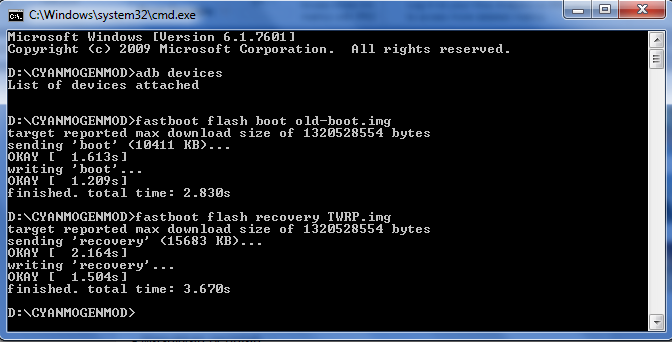
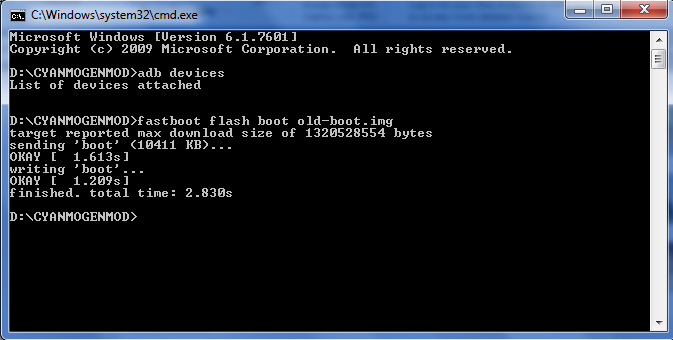
copy/move old-boott.img ke folder ADB , kemudian ketik perintahketik perintah
fastboot flash boot old-boot.img
Reboot !!!
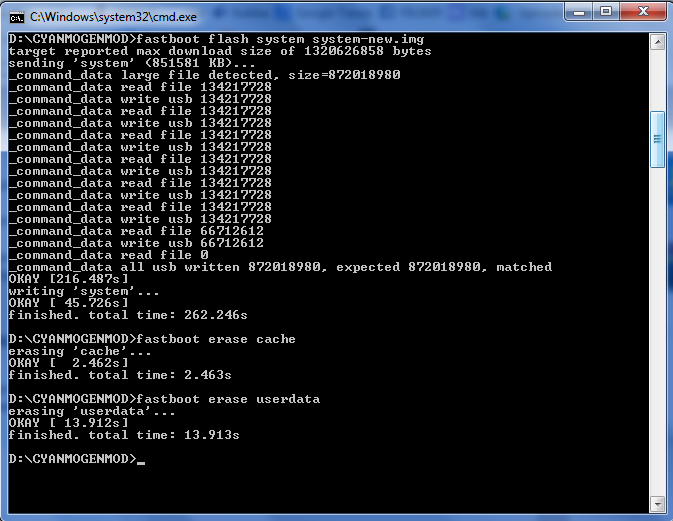
Cara Pasang CyanogenMod Asus Zenfone Secara Manual:
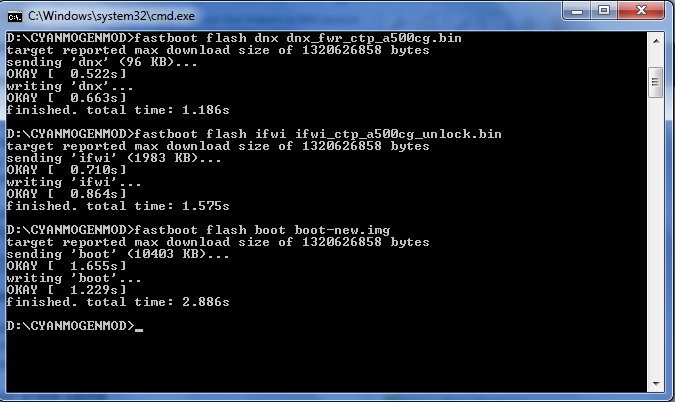
fastboot flash boot boot-new.img
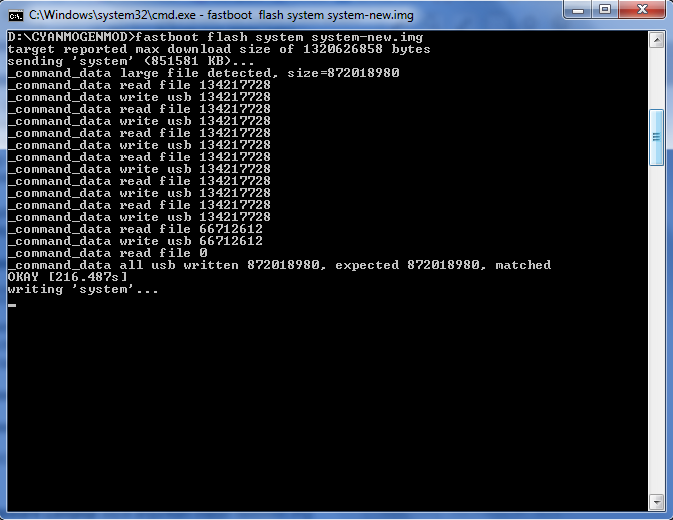
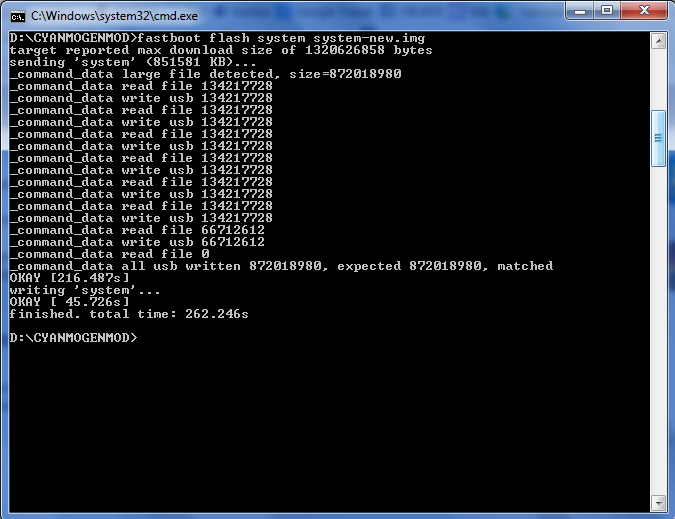
fastboot flash system system-new.img
Tunggu proses flashing sampai selesai
Kemudian hapus chace debgan cara ketik perintah di ADB sebagai berikut:
fastboot erase cache
fastboot erase userdata
Reboot !!

Cara Unlock Boot Loader Asus Zenfone 5 :
Bahan Unlock Boot Loader Asus Zenfone 5:
Cara eksekusi:
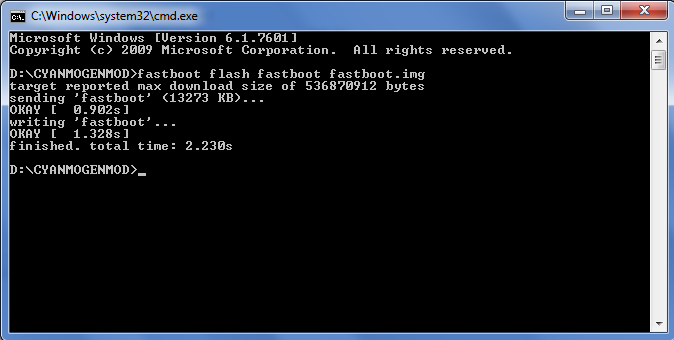


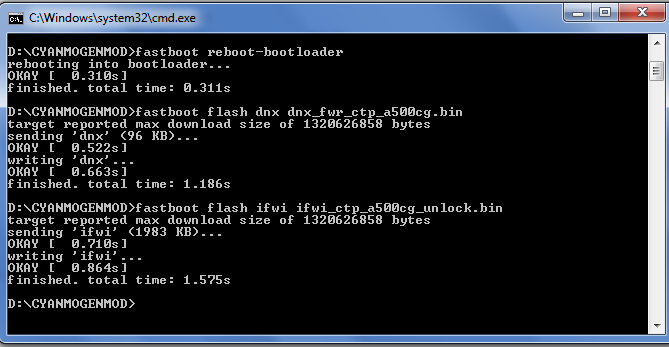
fastboot flash fastboot fastboot.img






File name: com.linecorp.linelite-1.0.0-85-minAPI14.apk
Version: 1.0.0 (85)
Uploaded: July 23, 2015 at 10:27PM GMT+0700
File size: 0.89 MB (934,088 bytes)
Minimum Android version: Android 4.0+ (Ice Cream Sandwich, API 14)
MD5: c5bdec75fc586e340cae927d346a1898
SHA1:cf1495022c757375ded05e8bda616fe04545100

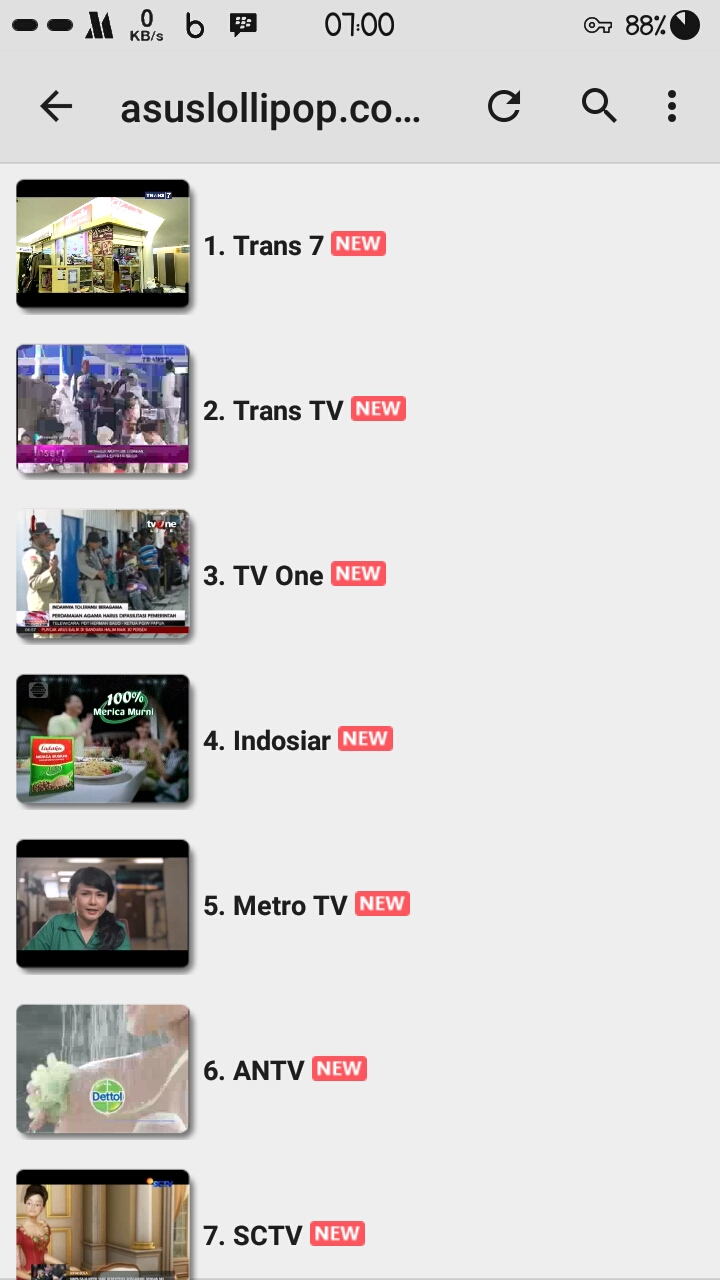

MX Player – The best way to enjoy your movies.
a) HARDWARE ACCELERATION – Hardware acceleration can be applied to more videos with the help of new HW+ decoder.
b) MULTI-CORE DECODING – MX Player is the first Android video player which supports multi-core decoding. Test result proved that dual-core device’s performance is up to 70% better than single-core devices.
c) PINCH TO ZOOM, ZOOM AND PAN – Easily zoom in and out by pinching and swiping across the screen. Zoom and Pan is also available by option.
d) SUBTITLE GESTURES – Scroll forward/backward to move to next/previous text, Up/down to move text up and down, Zoom in/out to change text size.
more: Market Unlocker Pro + Freedom for Asus Lollipop
e) KIDS LOCK – Keep your kids entertained without having to worry that they can make calls or touch other apps. (plugin required)
Subtitle formats:
– DVD, DVB, SSA/ASS Subtitle tracks.
– SubStation Alpha(.ssa/.ass) with full styling.
– SAMI(.smi) with ruby tag support.
– SubRip(.srt)
– MicroDVD(.sub)
– VobSub(.sub/.idx)
– SubViewer2.0(.sub)
– MPL2(.mpl)
– PowerDivX(.psb)
– TMPlayer(.txt)
– Teletext
– PJS(.pjs)
– WebVTT(.vtt)
******
About “Draw over other apps” permission: This permission is required to block system buttons when input blocking is activated on the playback screen.
About “Control vibration”, “Prevent phone from sleeping” permissions: These permissions are required for media playback on some devices.
******
Get Here MX Player PRO for Asus Zenfone x86 !!!


Xposed Installer v3 alpha 4
Download here
www.mediafire.com/?2hztnl94n04rcmw
How to install :
Asus Zenfone Lollipop Rooted
Enable USB Debugging
Go to Homescreen
Connect usb to pc
Double click on “InstallxposedInstaller.bat”, this will install xposed app on your mobile.
Double click on “InstallxposedFramework.bat” file, this will install
After installing framework succesfully, will automatically restart

Mengamankan Privacy menggunakan Multi User pada Asus Zenfone.
Tips ini berlaku untuk JB, Kitkat, dan Lollipop
Syarat : Asus sudah posisi root !!
Alat : Root Explore atau lainnya.
Cara :
Buka root explore, lalu edit file build.prop , system/build.prop
Buka file build.prop, lalu pilih open text editor.
Tambahkan text di akhir script:
fw.max_users=3
fw.show_multiuserui=1

Save, lalu restart.
Setelah restart, buka Settinhs – Users
